Hello dear MCPSP members and guests
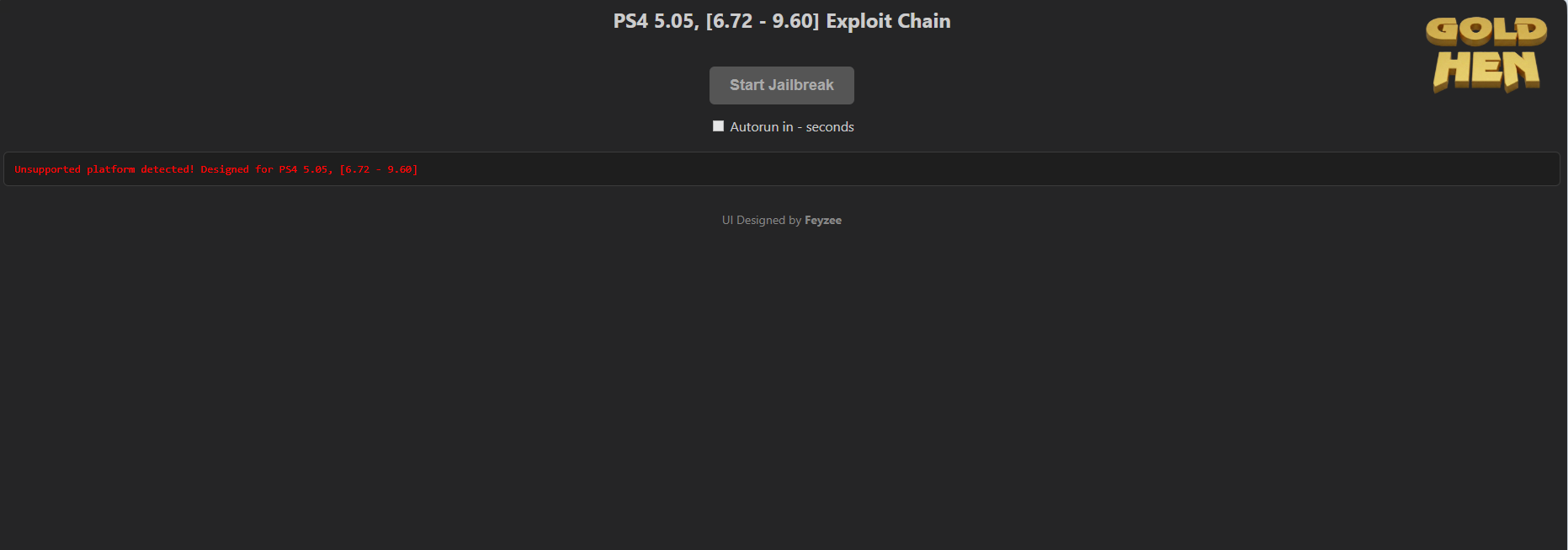
This guide will explain how to jailbreak PS4 consoles from versions 5.05 to 9.60.
Following this guide, you will need to connect your console to the internet once; after that, you can completely disconnect the internet and perform the jailbreak process OFFLINE, and a USB device will not be required.
The result of this process will be a PS4 console with the most stable USB-free jailbreaking method and the latest version of Goldhen.
DIRECTORY
Before connecting your PS4 console to the internet, you need to turn off automatic downloads and updates in the settings section.
Then connect your console to the internet.
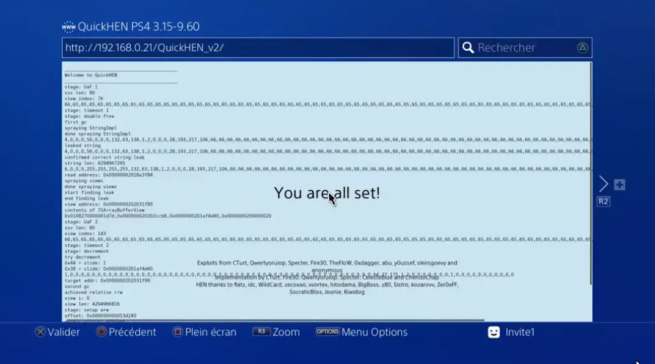
Open your internet browser and type the address shown below completely into the address bar, then press R2.
[Hidden content]
On the screen that appears, wait for the cache process to reach 100%, and once it's at 100%, exit your internet browser and turn off the internet.
That's all you need to do.
From now on, every time you close and reopen your internet browser, go directly to the browser and wait for your console to be jailbroken.
We wish you a pleasant time!