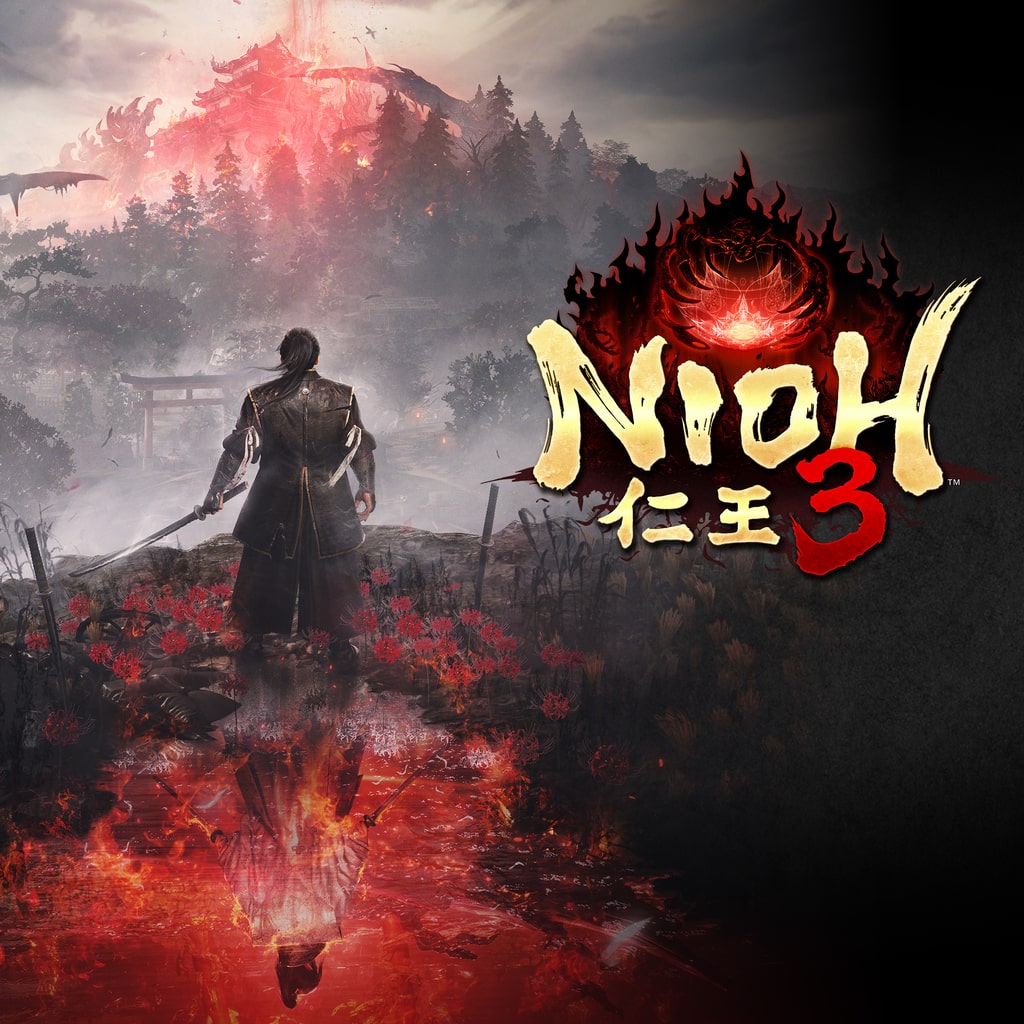
PS5 FFPFSC Oyun Nioh 3 Deluxe Edition - PPSA32785 - v01.040.020 - USA - Tum DLC'ler - FW 5.xx BackPort - AMPR - FFPFSC

Bu Konu Sayfasındaki Bilgiler

Konu Hakkında Merhaba, tarihinde PS5 FFPFSC Formatlı Oyunlar kategorisinde byercanx tarafından oluşturulan Nioh 3 Deluxe Edition - PPSA32785 - v01.040.020 - USA - Tum DLC'ler - FW 5.xx BackPort - AMPR - FFPFSC başlıklı konuyu okuyorsunuz. Bu konu şimdiye dek 987 kez görüntülenmiş, 38 yorum ve 22 tepki puanı almıştır...
Kategori Adı PS5 FFPFSC Formatlı Oyunlar
Konu Başlığı Nioh 3 Deluxe Edition - PPSA32785 - v01.040.020 - USA - Tum DLC'ler - FW 5.xx BackPort - AMPR - FFPFSC
Konbuyu başlatan byercanx
Başlangıç tarihi
Cevaplar
Görüntüleme
İlk mesaj tepki puanı
Son Mesaj Yazan leovanni17

mrt234234234

Üyemiz
Kayıtlı Üyemiz
Eyl 14, 2026
33
3
8
Değerli ziyaretçimiz lütfen, içeriği görüntüleyebilmek için Giriş yap veya Kayıt ol anlayışınız için teşekkürler.


%50 ALAN TASARRUFU ILE 167 GB --> 80 GB

NOT: Shadow Mount Plus ve Kstuff Lite 1.0.7 gereklidir
Eger mevcut duzeninizi bozmadan denemek isterseniz asagidaki baglantidan USB uzerinde calisan surumu deneyebilirsiniz hersey yolunda giderse sizin icin USB uzerindeki ps5_autolader klasorunu data icine atiniz YouTube her baslattiginizda artik shadow mount ve gerekenler otomatik yuklenecektir. Memnun kalmayip geri almak isterseniz USB uzerindeki ps5_autoloder klasorunu silin ve cihazi yeniden baslatin.

[Gizli içerik][Gizli içerik]
Oyunu dahili hafiza icerisinde data/homebrew klasoru icerisine yada dahili M2 icerisine homebrew icine atiniz yada USB SSD ana dizinine homebrew icine atiniz. Shadow Mount bu 3 yere bakarak oyunu ana menuye yukleyecektir.

[Gizli içerik]
[Gizli içerik][Gizli içerik]
​
teşekkürler
 

leovanni17

Yeni Üyemiz
Kayıtlı Üyemiz
Eki 26, 2026
1
0
1
Değerli ziyaretçimiz lütfen, içeriği görüntüleyebilmek için Giriş yap veya Kayıt ol anlayışınız için teşekkürler.


167 GB WITH 50% SPACE SAVINGS --> 80 GB

NOTE: Shadow Mount Plus and Kstuff Lite 1.0.7 are required
If you want to try it without breaking your current layout, you can try the version running on USB from the link below. If everything goes well, put the ps5_autolader folder on USB into data for you. Every time you start YouTube, the shadow mount and the requirements will be automatically uploaded. If you are not satisfied and want to get it back, delete the ps5_autoloder folder on USB and restart the device.

[Secret content][Secret content]
Put the game in the data/homebrew folder in the internal memory or in the homebrew in the internal M2, or in the homebrew in the USB SSD home directory. Shadow Mount will load the game into the main menu by looking at these 3 places.

[Secret content]
[Secret content][Secret content]
​
THANKS!
 
Üst