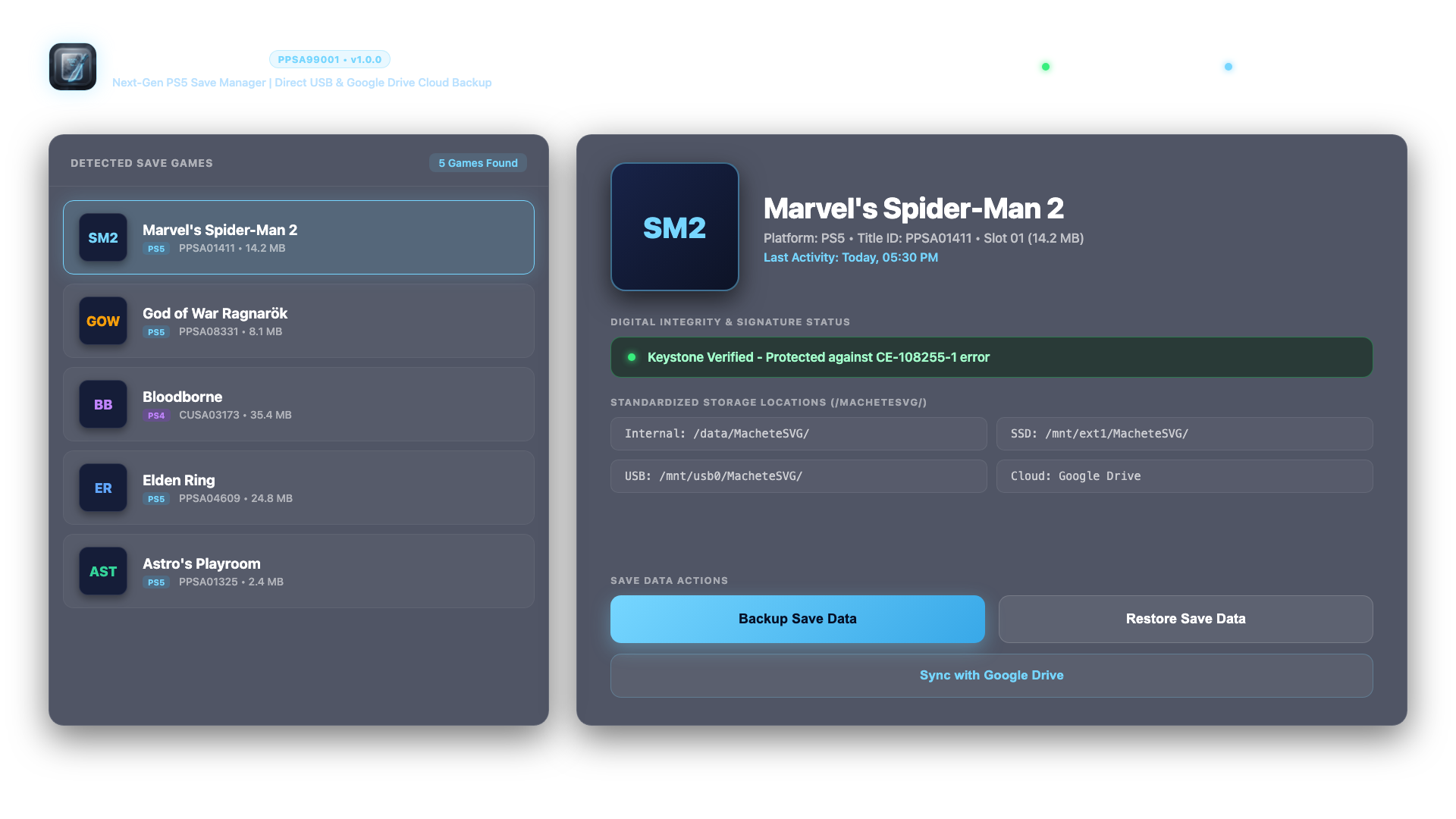
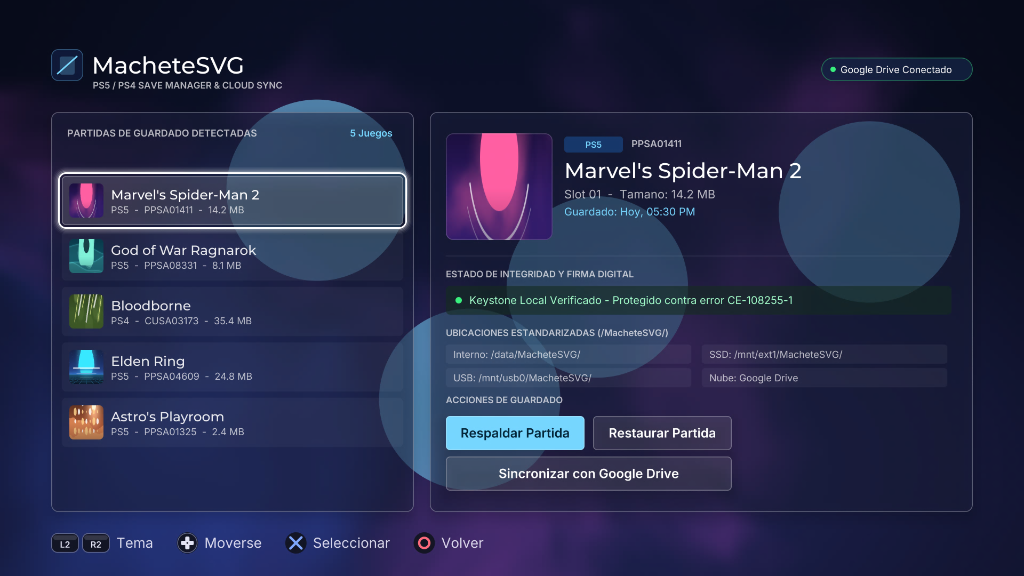
PS5 APPP PS5 MAcheteSVG Yayımlandı Save Manager
- Konbuyu başlatan mctuna
- Başlangıç tarihi

Bu Konu Sayfasındaki Bilgiler


 oyunun %65'indeydim PS5'den Proya geçerken aldığım yedek çalışmamıştı, hala yeniden başlayacağım oyuna, bundan sonrakiler için iyi olacak umarım. teşekkürler



Benzer konular
-
Ps5 pro icin ps3 move ps vr ve psvr2 hakkinda bilgi
- Başlatan mustibursa
- Cevaplar: 1
-
-
PS5 Yardım Kırık ps5 de ps3 guitar ve bateri bağlama
- Başlatan oxsinox
- Cevaplar: 1
-

-
 PS5 Yardım PS5 TEMA NASIL DEĞİŞTİRİLİR?
- Başlatan barancanbay44
- Cevaplar: 1
-
PS5 Yardım Ps5 açılışta siyah ekranda kalıyor
- Başlatan dengeli14
- Cevaplar: 1
-

-
ÇÖP KUTUSU Ps5 14.00 sürümü kirildi diyorlar nasıl yapabilirim acaba
- Başlatan Furkanaxel
- Cevaplar: 0
Benzer konular