-
Öne çıkan konu
- #1
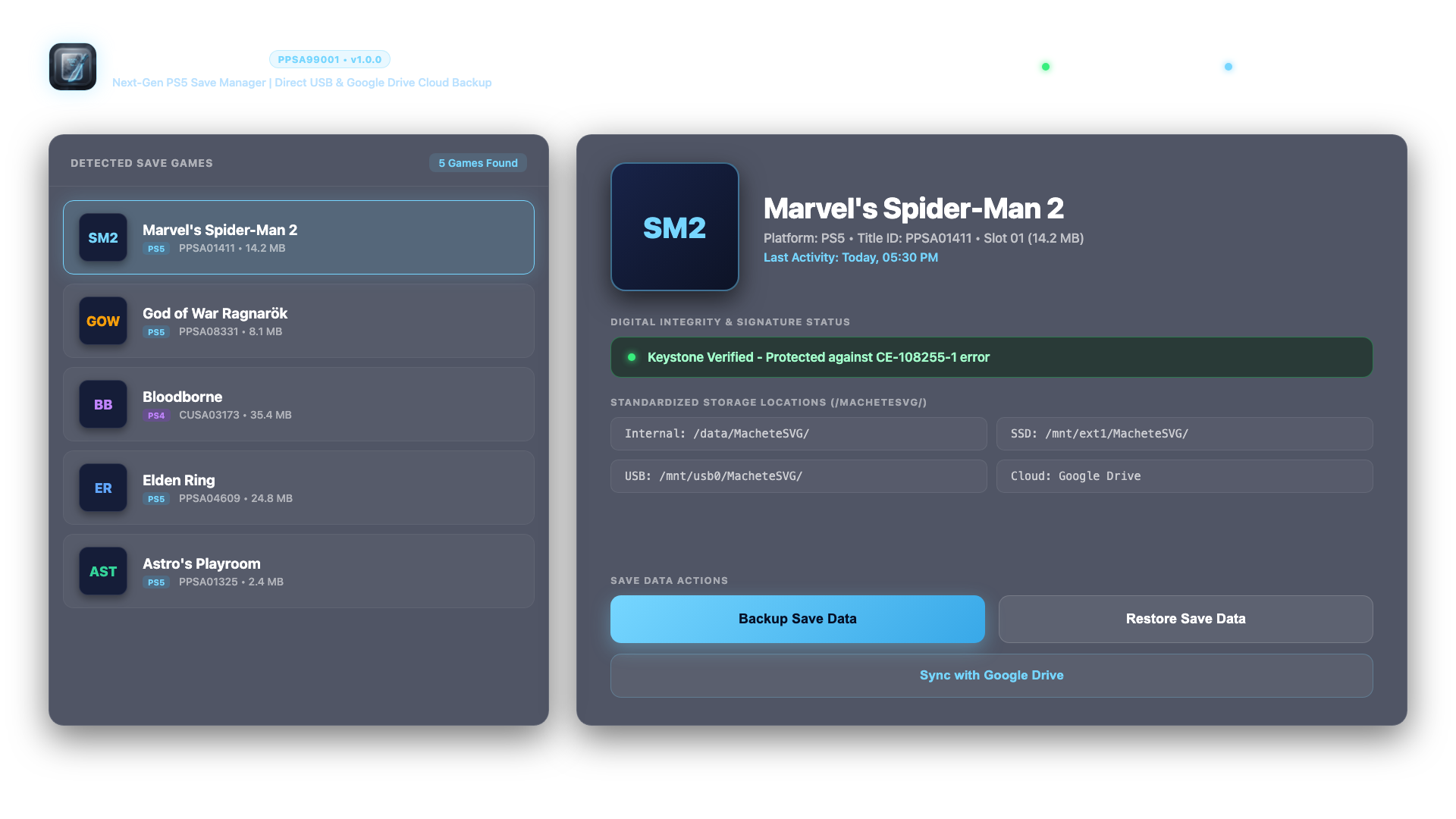
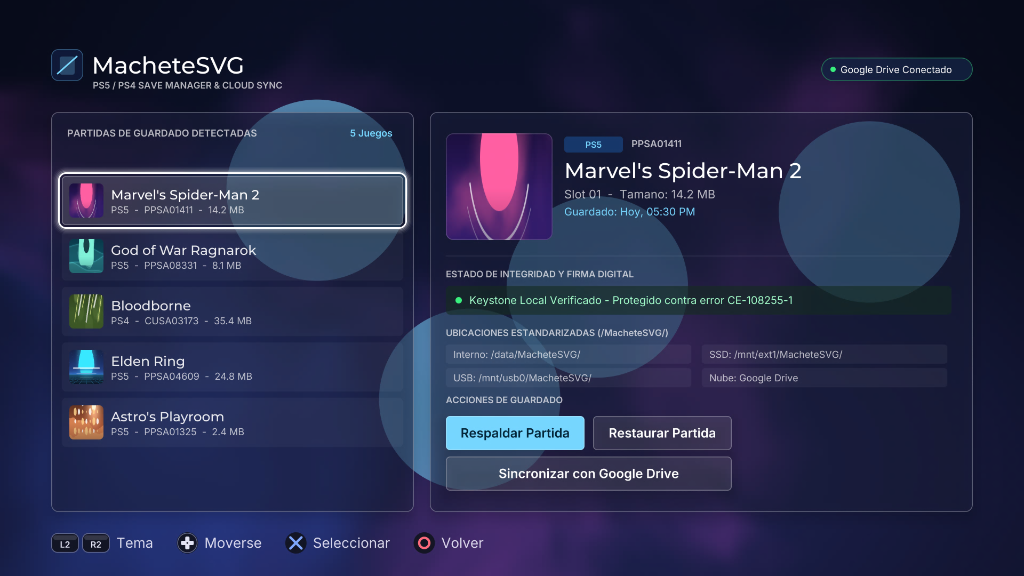
Uygulama ile oyunlarınızın kayıt dosyalarını yedekleyebilir ve geri yükleyebilirsiniz
FC 27 de transferler için henüz denemedim deneyen arkadaşlarımız olur ise bilgi verirlerse bilgilendirmeyi ilk mesaja ekleyeceğiz

İçeriği görebilmek için mesaj yazmalı ve beğenmelisiniz. Saçma sapan mesaj yazarsanız forumdan uzaklaştırılırsınız.İçeriğe yazdığınız mesajlar moderatör tarafıncan onaylandıktan sonra indirme linklerini görebilirsiniz,mesajınız onaylanana kadar sabırla bekleyiniz,teşekkürler.
METHOD 1: VIA FTP (Recommended)
1. Ensure your PS5 and computer are connected to the same local network.
2. Enable FTP server on your PS5 (e.g., via OnionHEN / etaHEN settings).
3. Connect using an FTP client (FileZilla, WinSCP, Cyberduck, etc.).
4. Upload the entire "PPSA99001" folder to:
/data/homebrew/
The resulting path must be:
/data/homebrew/PPSA99001/eboot.bin
5. Refresh your homebrew launcher (Itemzflow, ProsperoStore, or system menu).
METHOD 2: VIA USB DRIVE (exFAT)
1. Copy the "PPSA99001" folder to the root of an exFAT-formatted USB drive.
2. Insert the USB drive into your PS5.
3. Using a file manager (PS5-Explorer or Itemzflow), copy "PPSA99001" to /data/homebrew/.
CONTROLLER SHORTCUTS:
- D-Pad: Navigate game list and menus
- Cross (X): Select / Confirm action
- Circle (O): Cancel / Back
- Triangle: Open Google Drive Cloud synchronization directly
- Square: Refresh games list and connected USB devices
- L3 (Left Stick Click): Switch language (English / Spanish) in real-time