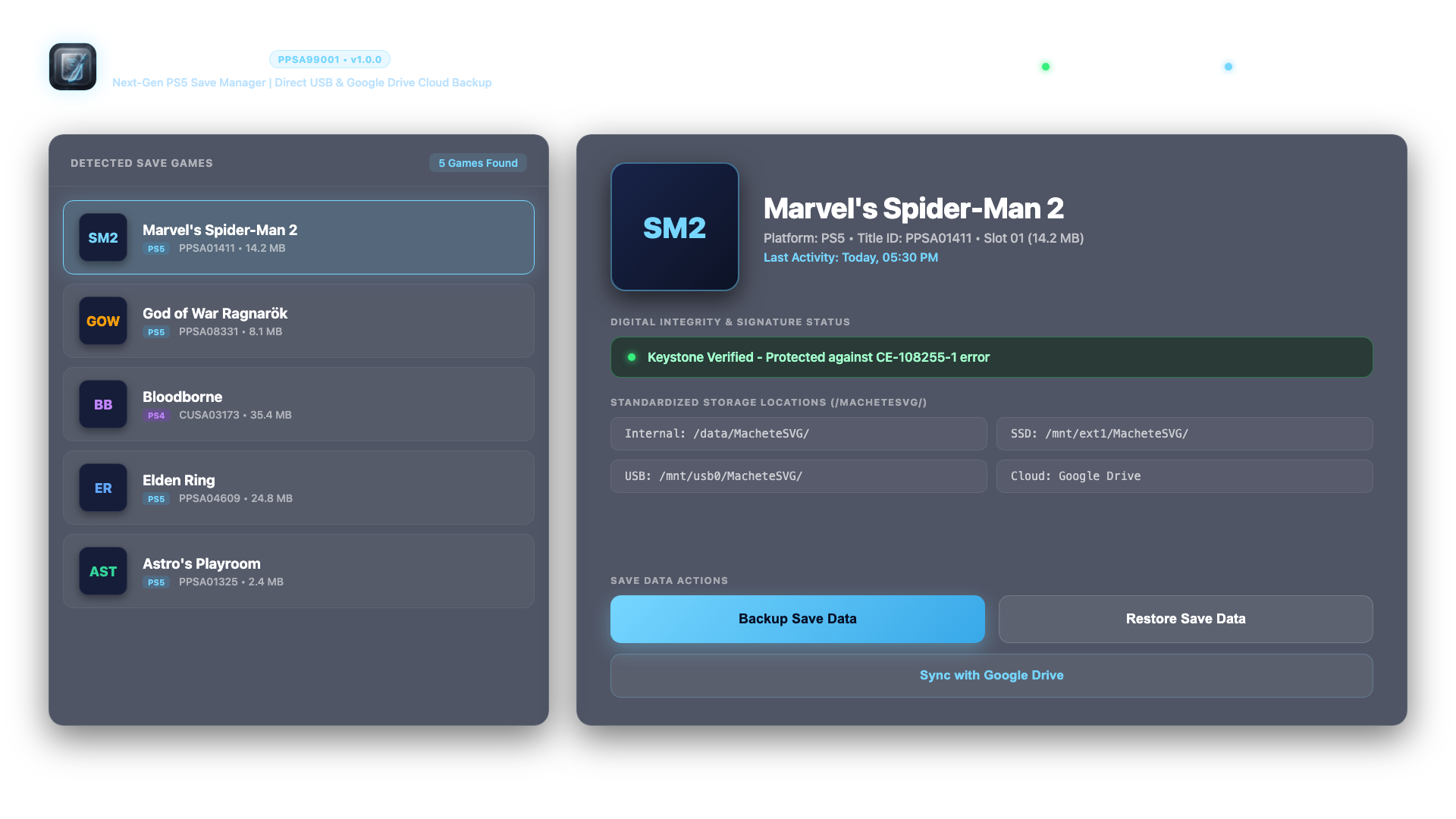
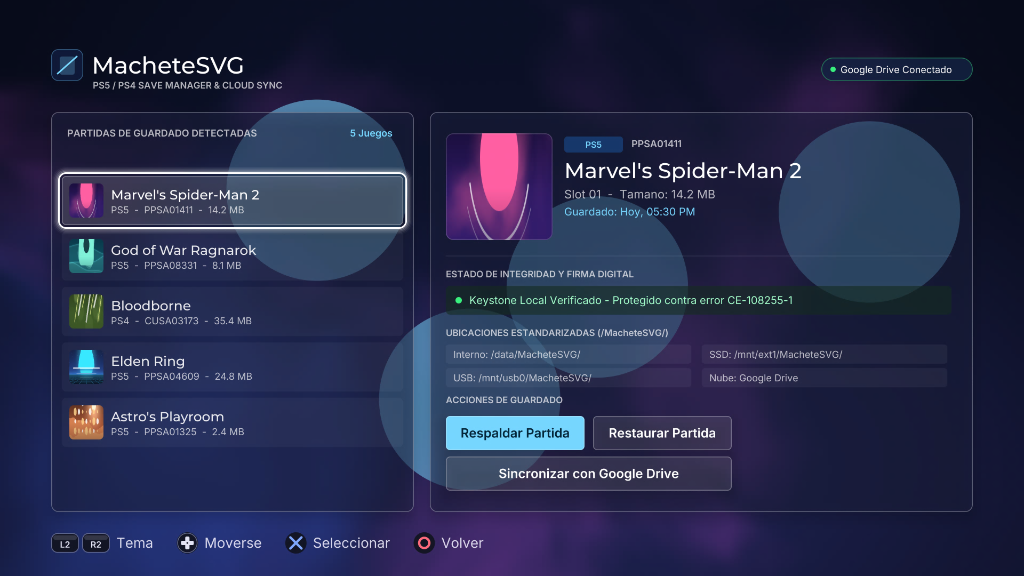
Uygulama ile oyunlarınızın kayıt dosyalarını yedekleyebilir ve geri yükleyebilirsiniz
FC 27 de transferler için henüz denemedim deneyen arkadaşlarımız olur ise bilgi verirlerse bilgilendirmeyi ilk mesaja ekleyeceğiz
 [Gizli içerik]
INSTALLATION INSTRUCTIONS:
METHOD 1: VIA FTP (Recommended)
1. Ensure your PS5 and computer are connected to the same local network.
2. Enable FTP server on your PS5 (e.g., via OnionHEN / etaHEN settings).
3. Connect using an FTP client (FileZilla, WinSCP, Cyberduck, etc.).
4. Upload the entire "PPSA99001" folder to:
/data/homebrew/
The resulting path must be:
/data/homebrew/PPSA99001/eboot.bin
5. Refresh your homebrew launcher (Itemzflow, ProsperoStore, or system menu).
METHOD 2: VIA USB DRIVE (exFAT)
1. Copy the "PPSA99001" folder to the root of an exFAT-formatted USB drive.
2. Insert the USB drive into your PS5.
3. Using a file manager (PS5-Explorer or Itemzflow), copy "PPSA99001" to /data/homebrew/.
CONTROLLER SHORTCUTS:
- D-Pad: Navigate game list and menus
- Cross (X): Select / Confirm action
- Circle (O): Cancel / Back
- Triangle: Open Google Drive Cloud synchronization directly
- Square: Refresh games list and connected USB devices
- L3 (Left Stick Click): Switch language (English / Spanish) in real-time